VOICE LOGGING FOR FIBRE FIELD WORK
FieldWake
A technician in a fibre vault logs a fault by holding a button and saying one sentence. The phone reads it back, writes it to the work order, and keeps the record until the signal returns.
- Fault
- No optical signal
- Location
- FDH-04, Terminal 14
- Entry
- FE-0917
The product
Log a fault without taking your gloves off.
Hold the microphone and say the fault. The phone reads back what it heard and waits for a confirm before it writes. Switch to the vault floor to see what happens with no signal.
Admin and information gathering took 30% of working hours in a 2025 Salesforce survey of 350 US technicians and tradespeople, slightly more than the 28% spent on the service itself.


Say the fault in one sentence.
Today
This week
Hold the mic, or press Play to watch one entry.
| Time | Entry | Source | State |
|---|---|---|---|
| 9:41 | Draft, not savedDraft, not saved | Voice | SavedSaved on phoneSynced |
| 9:12 | Access · Vault entered | Check-in | Synced |
| 8:54 | Arrival · WO-2841 | GPS | Synced |
| 8:30 | Assignment · WO-2841 accepted | Dispatch | Synced |
Hold the mic and say one sentence.
FieldWake / one fault log
One record, from the first word to the work log.
Capture where the fault is.
The work order, feeder and signal sit above the microphone. It records only while the button is held.
Fix the terminal without starting over.
The phone reads back Terminal 12. Terminal 14 is on this work order, so one tap corrects it and keeps every other field.
Saved on the phone. Synced when connected.
Terminal 14 is saved on the phone as FE-0917 and marked waiting. It reads synced only after the work system acknowledges it.
When the signal drops
Offline is a condition, not a mode.
FieldWake captures, confirms and saves the record on the phone first. When connectivity returns, the record syncs on its own and becomes visible to dispatch.
How a fault reaches dispatch
- On the phoneCaptureThe technician speaks the fault.
- ConfirmReview the details before saving.
- Saved locallyThe record is stored on the phone.
- Waits on the phone while offline.
- SyncUploadingUploads when a connection returns.
- Work systemReceived by work systemVisible in the dispatcher's work log.
Design basis: recognition, read-back and the save run on the phone; connectivity only decides when dispatch sees the record. Salesforce keeps speech-to-text on the technician's device for the same reason.


Decision
Save on the phone first, every time, even with full signal.
Cost
The phone and the server can each hold a copy of a record. Retries preserve the same record ID, so reconnecting cannot create duplicate entries.
Dispatch
The record lands even when the work order disagrees.
FE-0917 reaches dispatch marked Needs attention. The technician said Terminal 14; WO-2841 still says Terminal 12, so the work-order update is blocked. The report itself is retained, and the dispatcher settles the mapping with the original recording in front of them.

Decision
Acknowledging receipt and correcting the mapping are two separate acts.
Cost
A dispatcher can acknowledge a report without resolving it, so a fault can sit acknowledged and still open. The queue counts that state on its own rather than folding it into Done.
The problem
Field notes get typed at the end of the shift, from memory.
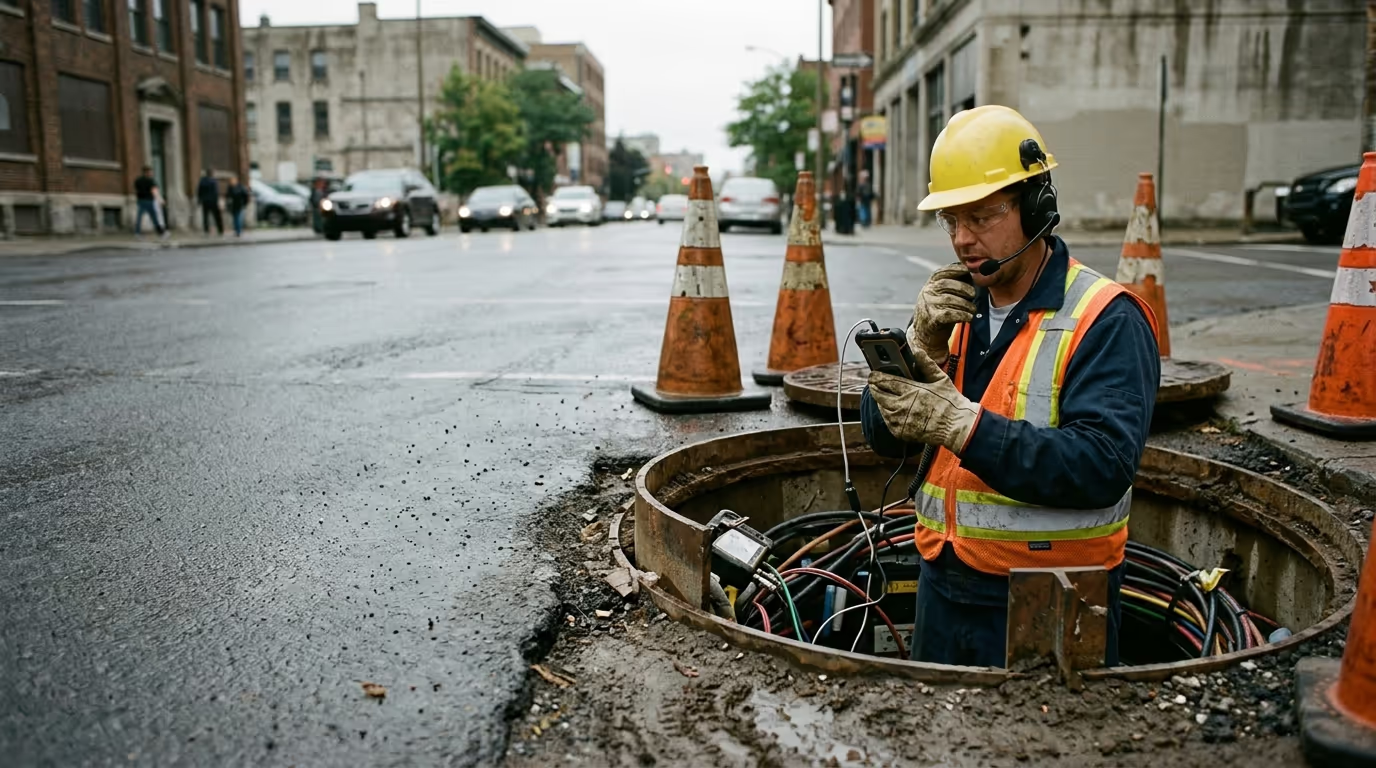
A fibre technician works with both hands inside a cabinet or a vault, in gloves, often below street level. In the scenario this page follows, the fault is found at 9:41 and typed into the work order at 4:30, from memory, after six more jobs.
Admin and information gathering took 30% of working hours in a 2025 Salesforce survey of 350 US technicians and tradespeople. FieldWake focuses on capturing the fault while the asset is still in front of the technician.
Capture starts deliberately and ends on release. The technician can always tell when the microphone is active.
- Find
- Log
- Help
Decisions made
The calls that shaped the build.
Every project has a handful of decisions that determined the outcome. These are mine, with the trade-offs I accepted.
Hold to talk instead of a wake word.
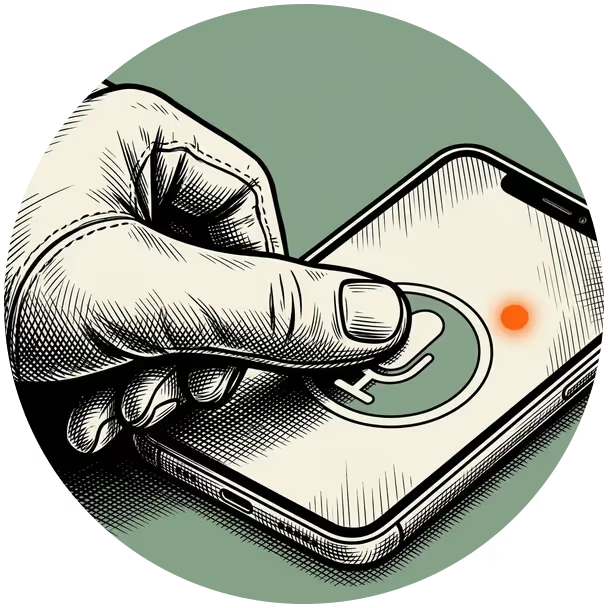
A held button opens the microphone for one sentence and closes it on release. The phone is not listening between sentences, and there is no wake word to misfire.
Apple built its Push to Talk framework for walkie-talkie style apps and describes it as privacy-focused.

The technician needs one hand free for the length of a sentence.
Read back before writing.
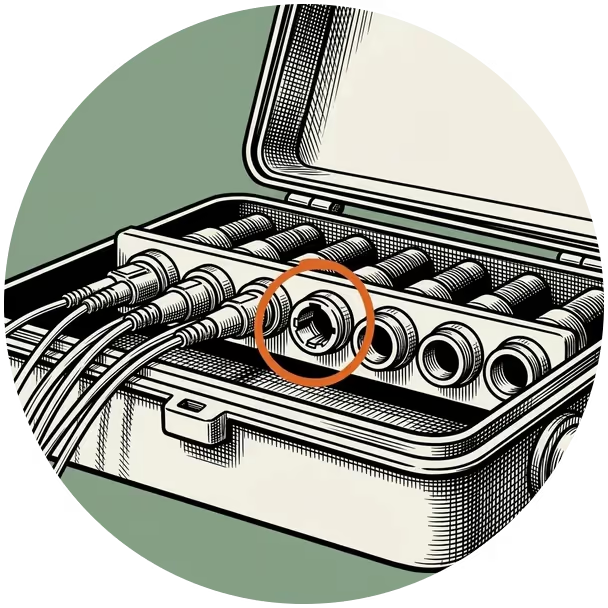
The phone reads back what it heard and marks where each value came from: said, from the work order, or a work order default. A misheard terminal number is caught before it reaches the work order.
A 2024 study of spoken digits on financial calls measured a 5.8% error rate for Whisper and caught a general-purpose model hearing "twelve six" as "well fix". A fluent transcript can still carry the wrong identifier.


Every log takes a few seconds longer than a blind write.
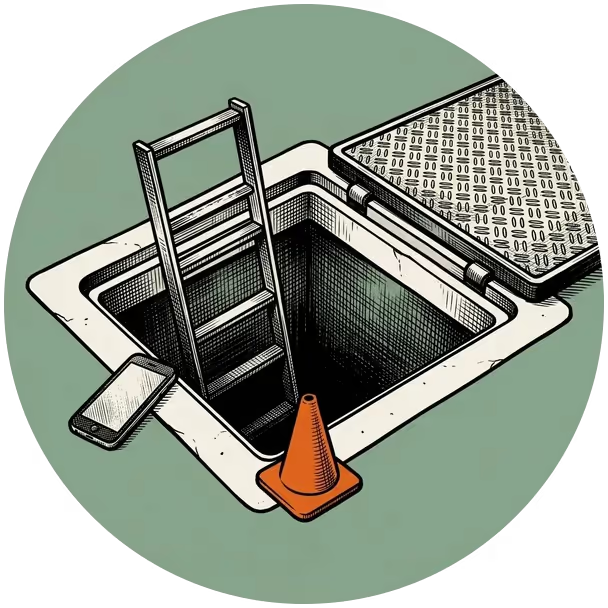
Save on the phone first, upload later.
Vaults have no signal. Speech recognition, the read-back and the save all run on the phone, so the record exists the moment the technician confirms it. Only the upload waits for signal.
Oxmaint's offline maintenance guide lists cable vaults and below-grade pump rooms as zero-signal zones, built from concrete and steel that block cellular signal.


The dispatcher sees the row minutes after the technician does, and the status has to say so.
The precedent
Borrow the verification loop from voice picking.
Two established practices, adapted for a technician whose eyes are on the fault.
| Established practice | What FieldWake adopted | What the field changed |
|---|---|---|
| Voice picking: the picker says a check digit at each location and the system confirms it. | "No optical signal. Feeder 3, terminal fourteen. Confirm?" A verification step for consequential numbers. | The phone reads the terminal and asset back aloud, because a vault is loud and the technician's eyes are elsewhere. |
| Voice-to-form: fields fill as the technician talks, and the text can be edited before it is processed (Salesforce reports 85% field-level accuracy). | LocationFDH-04 / Terminal 14heard Structured fields with a visible source for each value. | Fields wait until the sentence ends. Listening gets the whole card. |
| Copilot work order updates: suggestions apply only after the technician confirms (Dynamics 365). | Nothing writes without a confirm. | Confirm is one tap, reachable with a gloved thumb. |


Evaluation approach
Faster capture. Correct records. Reliable handoff.
The evaluation pairs capture speed with record accuracy, then follows each confirmed entry through to the work system. A faster interaction earns its place when the technician can correct it easily and trust that the record arrives.
- Capture delay
- Whether documentation happens closer to the observation.
- Record accuracy
- Whether the saved observation belongs to the correct asset.
- Correction effort
- Whether errors can be repaired without restarting.
- Delivery reliability
- Whether confirmed entries reach the work system without loss or duplication. Time without signal is reported apart from sync time after signal returns.
Interaction decisions
Two decisions that shaped FieldWake.
Speak first.
Review next.
Capture stays focused.Details appear for confirmation.
Correct the terminal without repeating the report.
Voice capture review and correction
Saved here.
Received by dispatch.
One record, with an explicitdelivery history.
Synced
- Available without a connection
- Received by work systemUpload confirmed
More work